Help · 5 min
Test on your shop
Negotiate yourself on one of your products, like a visitor would, before opening to your customers.
The goal
See exactly what your customers will experience: the button, the conversation, the proposed price, the coupon. Better to find out yourself first.
How to do it
- Open your shop in a private window, so you don't see an old version of the widget.
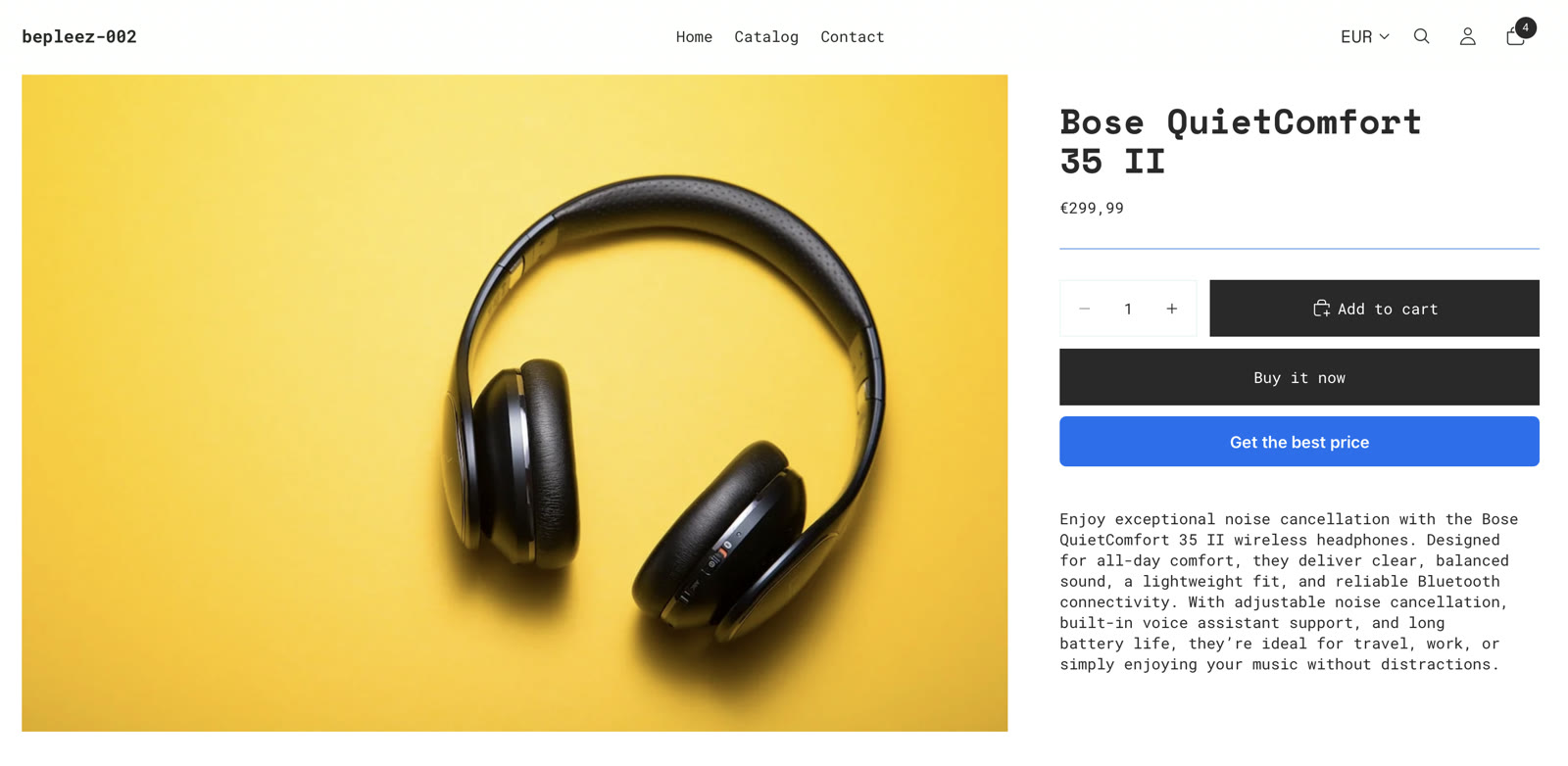
- Go to the page of a product covered by your rules.
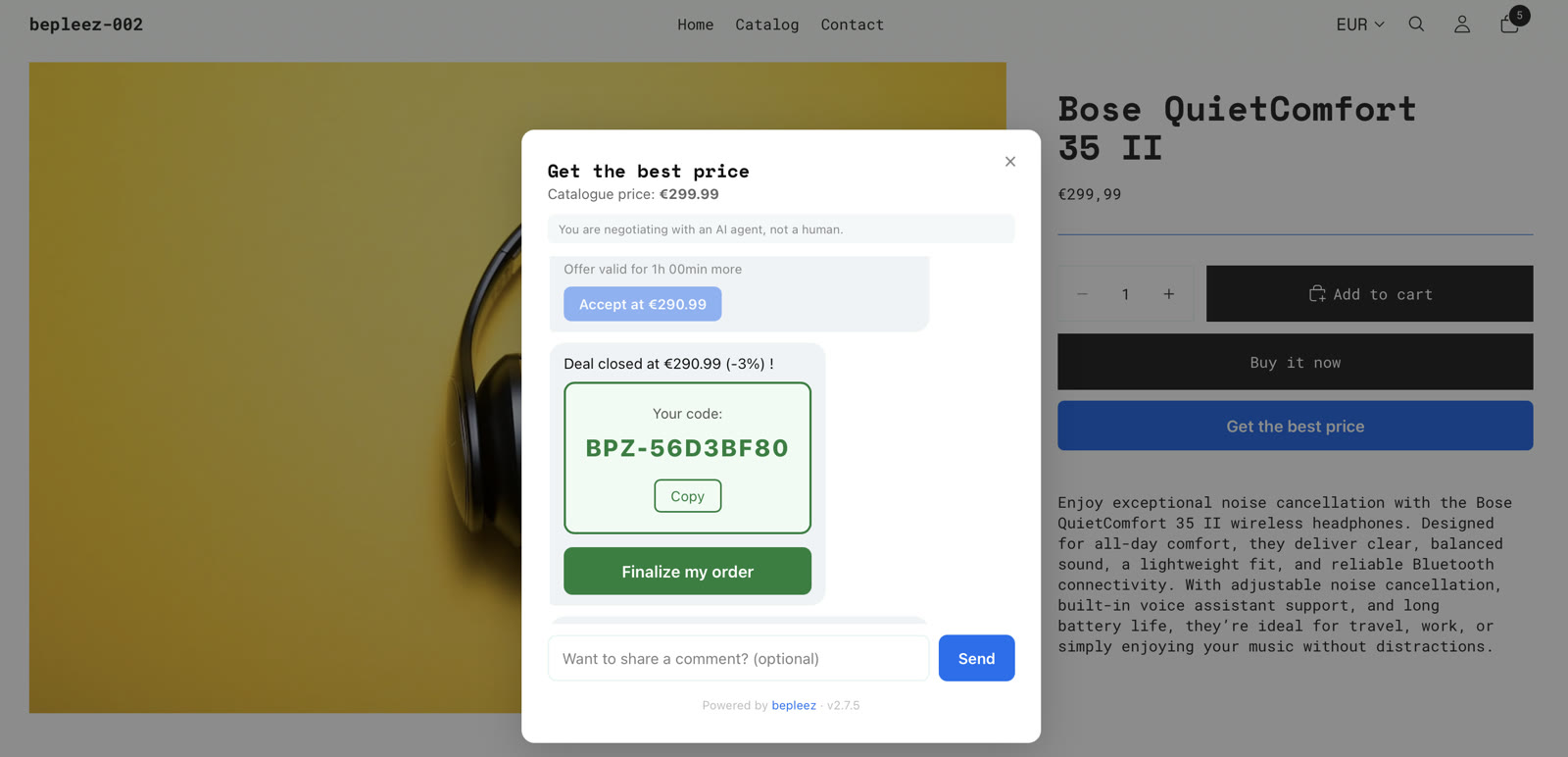
- Click the negotiation button and go through the conversation: make an offer, see the answer.
- If an offer suits you, accept it: a coupon is created. Apply it to the cart to check that the price is the one announced.
- Come back to the dashboard and click Mark as done.
How you know it's done
Your test is not detected automatically: a test negotiation looks like a real one. Confirm with Mark as done once you have gone through it.
It doesn't work?
- The button doesn't show: strategy Paused, product outside your rules, or widget not enabled in the theme. Go back over "Activate your strategy" and "Install bepleez".
- The coupon doesn't apply: check that you enter it in the cart of the same shop and that it has not expired (the duration is in the strategy).
- Password-protected shop: the widget can't be seen while the shop is closed to the public.
A question, or stuck? Write to us: hello@bepleez.com