Help · 3 min
Review bepleez on Shopify
Your honest review on the bepleez Shopify App Store listing helps other merchants decide.
The goal
You have received your first negotiation: you now know what bepleez looks like in practice. An honest review on the app's Shopify App Store listing helps other merchants make up their minds, and helps us improve.
How to do it
- Open the bepleez listing: bepleez on the Shopify App Store.
- Click Write a review (sign in with your Shopify account if asked).
- Pick the rating that matches your experience and describe in a few lines what you thought: what worked, what is missing.
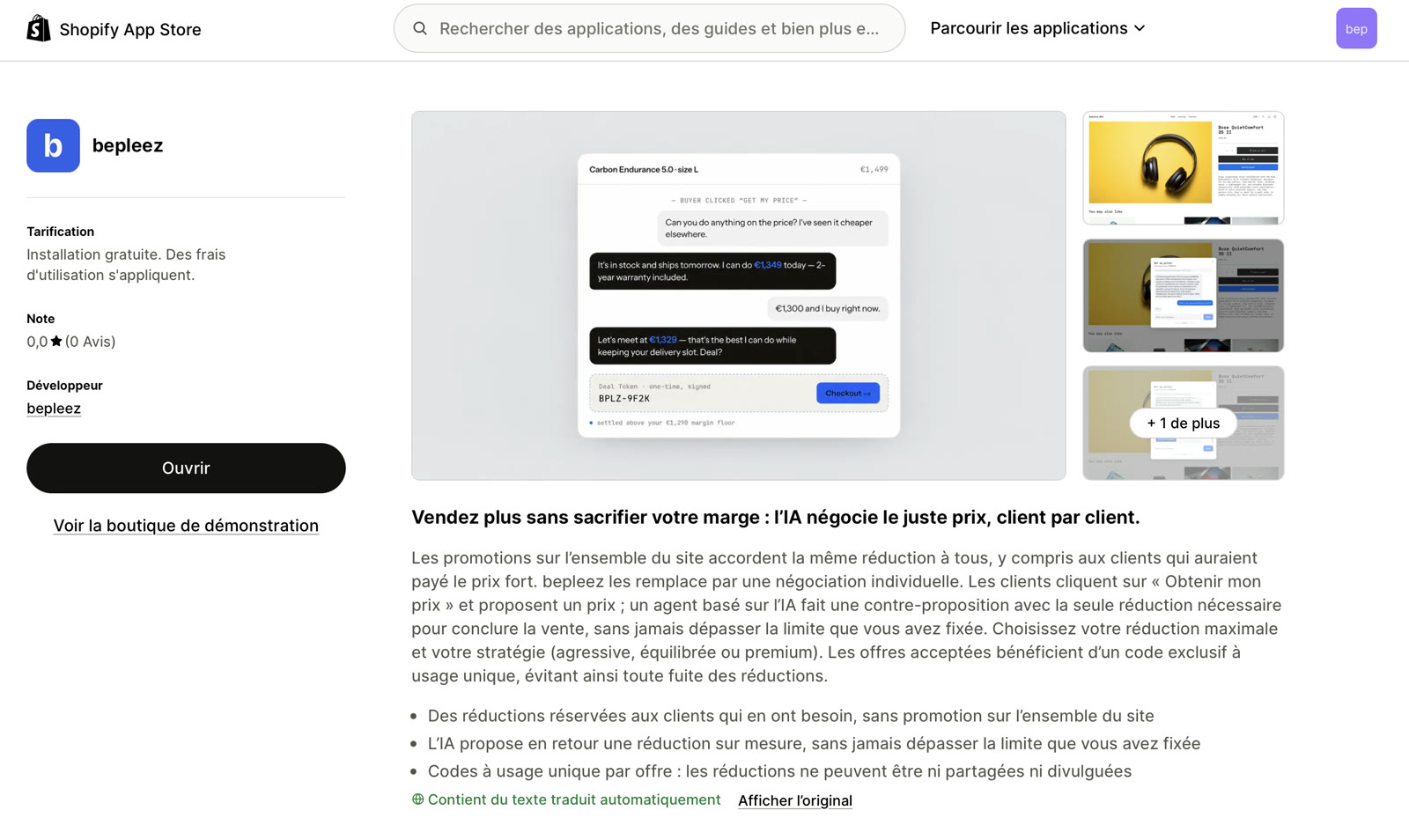
We do not ask for any particular rating and offer nothing in return: only your experience matters.
A problem, a question?
If something does not work or you are unsure, write to us at hello@bepleez.com: we reply quickly and we fix things. You remain free to leave a review afterwards, or not.
How to know it is done
This step is confirmed by hand: click Done in the progress block. It is optional.
A question, or stuck? Write to us: hello@bepleez.com